You have your own SEO machine
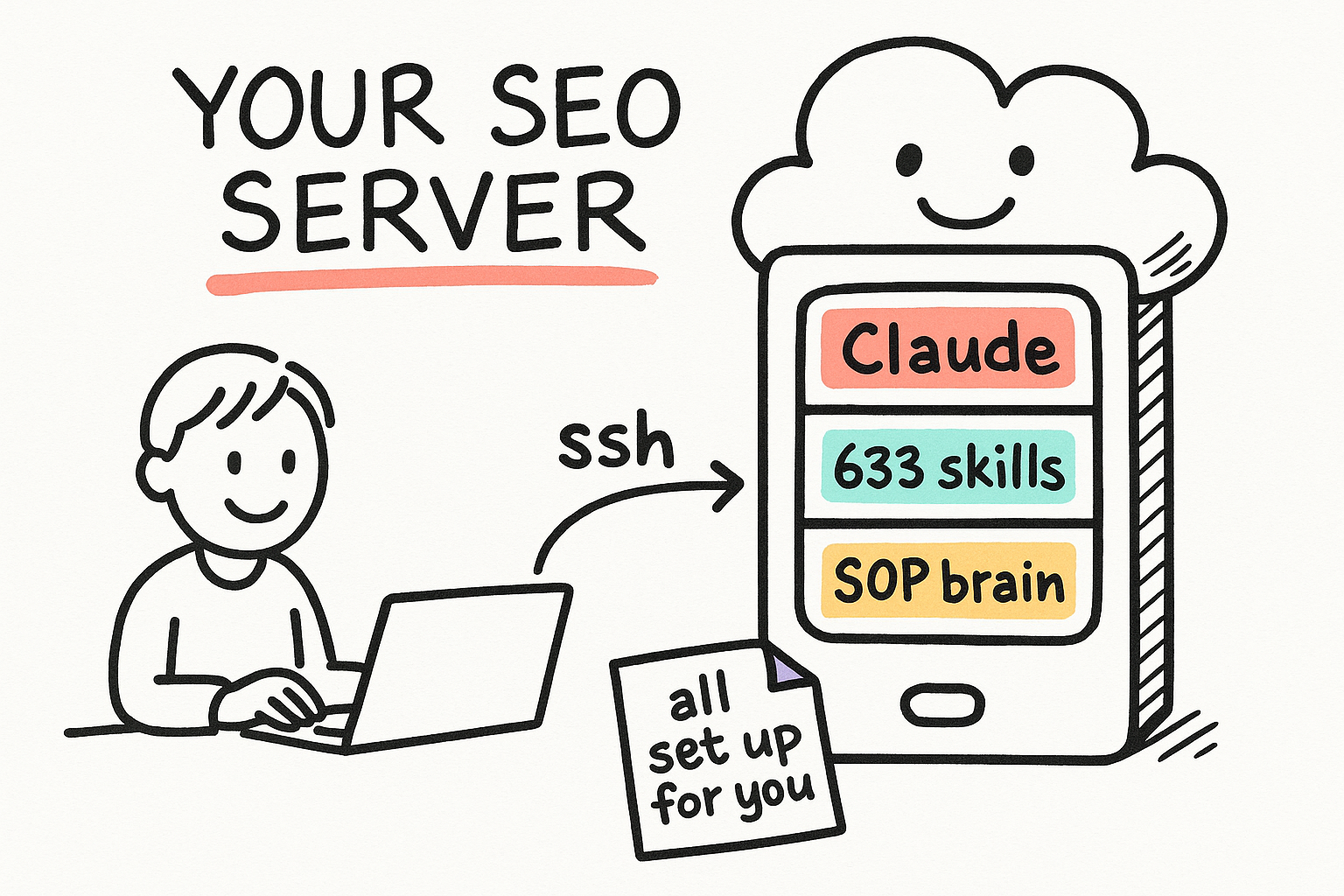
Mike set you up with a dedicated server in the cloud. It already has Claude (the AI assistant), the full Merlino skills library, the SEO team agents, and the company SOP knowledge base installed. You never install anything on your own computer except one small key file. You connect to the server, talk to Claude in plain English, and it does the work.
- Your server, your workspace. Nothing you do can break Mike's systems.
- Everything is pre-installed. No coding setup required.
- You talk in plain English. Claude handles the technical parts.
Install your key and connect
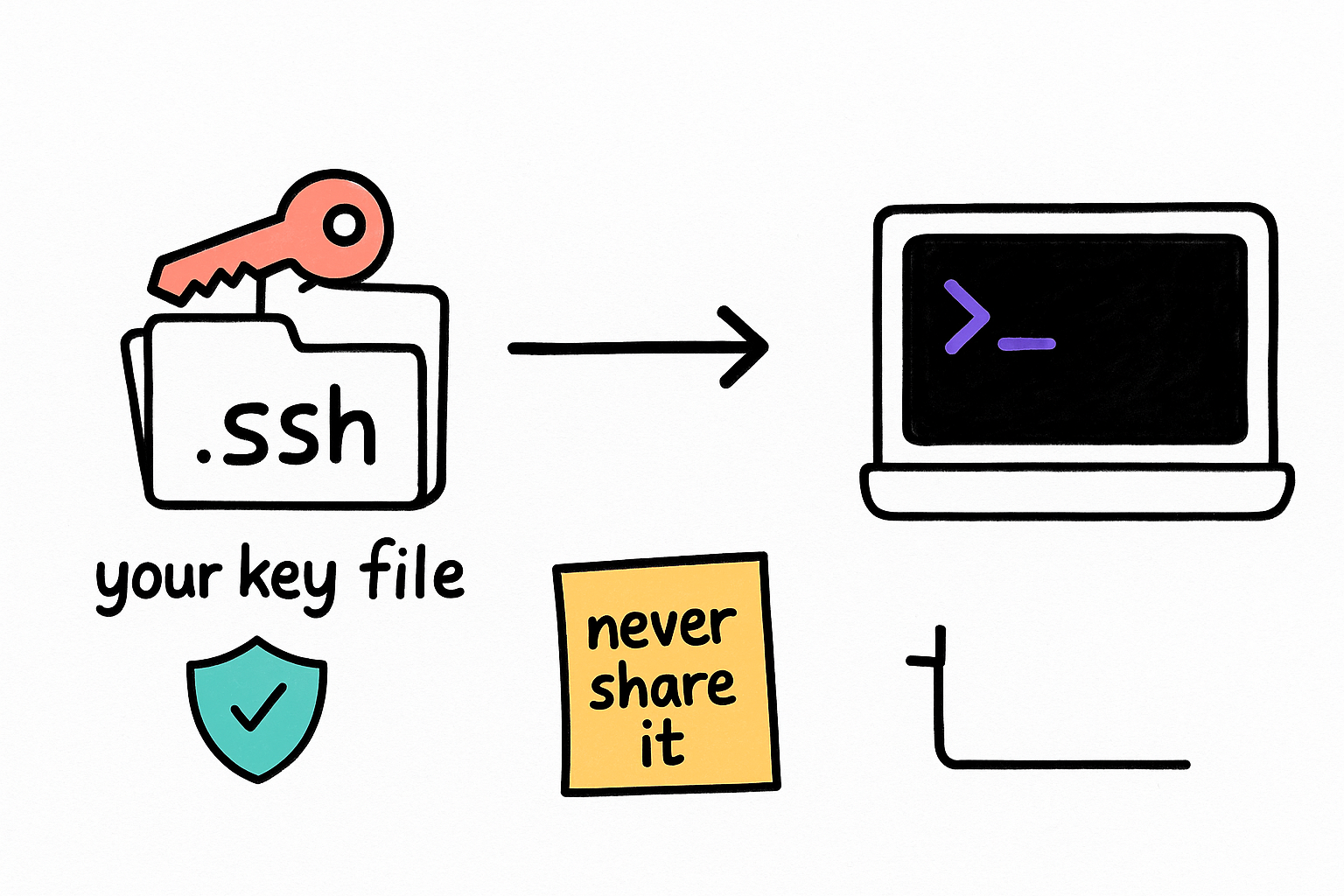
Mike will send you a small file called robert_id_ed25519 through a private channel. That file is your key to the server. It is never posted on this page or anywhere public. Save it in the right folder, then run one command to connect. Windows users: use PowerShell. Mac users: use Terminal.
- The key file comes from Mike directly. Never share it or email it around.
- Windows: save it to C:\Users\YOU\.ssh\
- Mac: save it to ~/.ssh/ then run the chmod command below.
chmod 600 ~/.ssh/robert_id_ed25519ssh -i ~/.ssh/robert_id_ed25519 robert@178.156.201.17claudeTwo commands and you are working
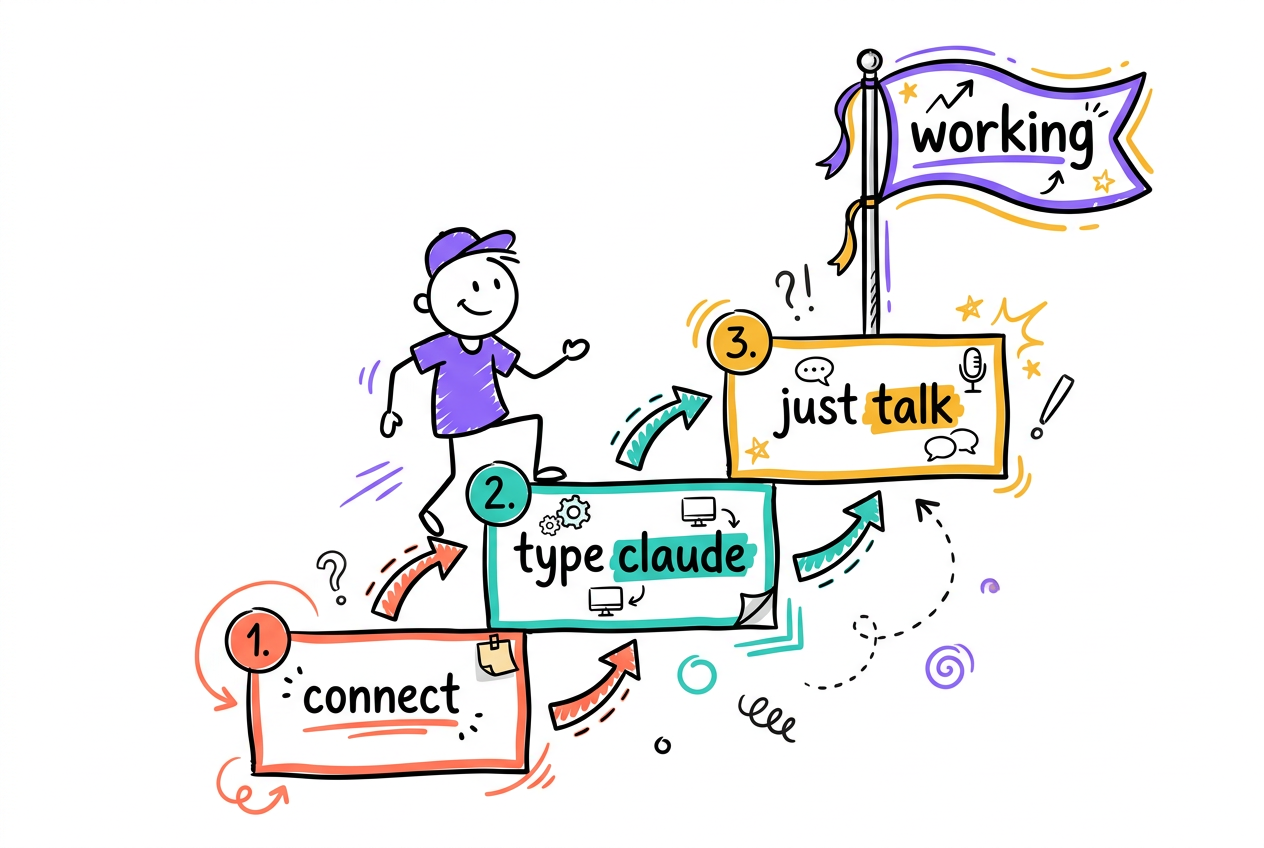
After the one-time setup, your whole routine is: connect, start Claude, talk. When you are done for the day, type exit twice (once to leave Claude, once to leave the server). That is the entire workflow.
- Step 1: connect with the ssh command.
- Step 2: type claude and start talking.
- Done? Type exit to leave. Nothing breaks if you just close the window.
ssh -i ~/.ssh/robert_id_ed25519 robert@178.156.201.17
claude633 skills, 9 specialists, one SOP brain
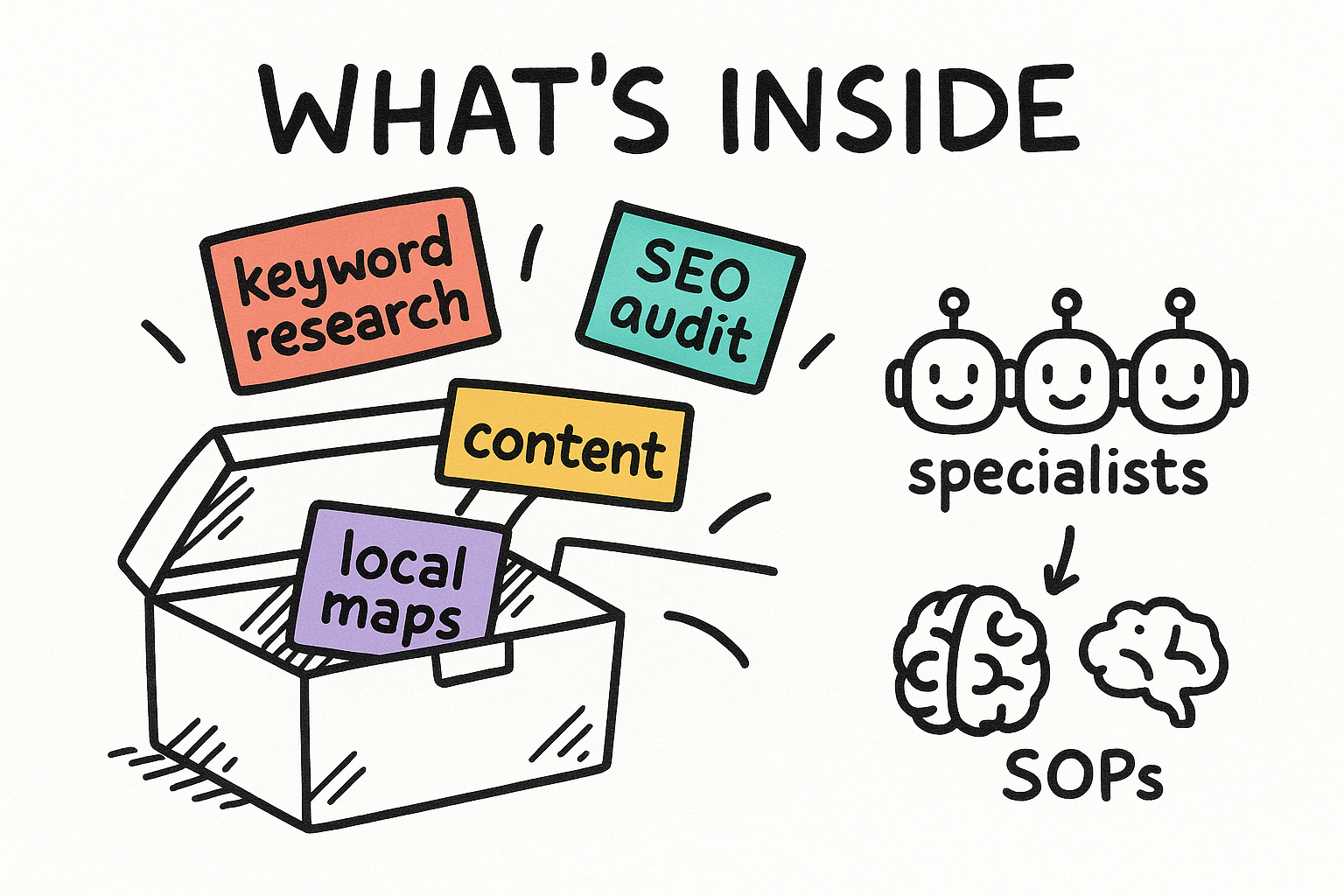
Your Claude is not a blank assistant. It carries the full Merlino skills library (keyword research, SEO audits, content writing, local SEO, schema, and hundreds more), a team of specialist SEO agents it can hand work to, and the company SOP knowledge base it searches before answering process questions. Ask it what it can do any time.
- Skills: ready-made playbooks. Claude picks the right one automatically.
- Agents: Einstein (SEO), Tommy (technical), Ghost (local/maps), Shakespeare (content), and more.
- SOPs: the company way of doing things. Claude checks it first.
What skills do you have for local SEO? Give me the top 10 with one line each on what they do.Search the SOPs: how do we set up a Google Business Profile for a new client?How to ask for SEO work
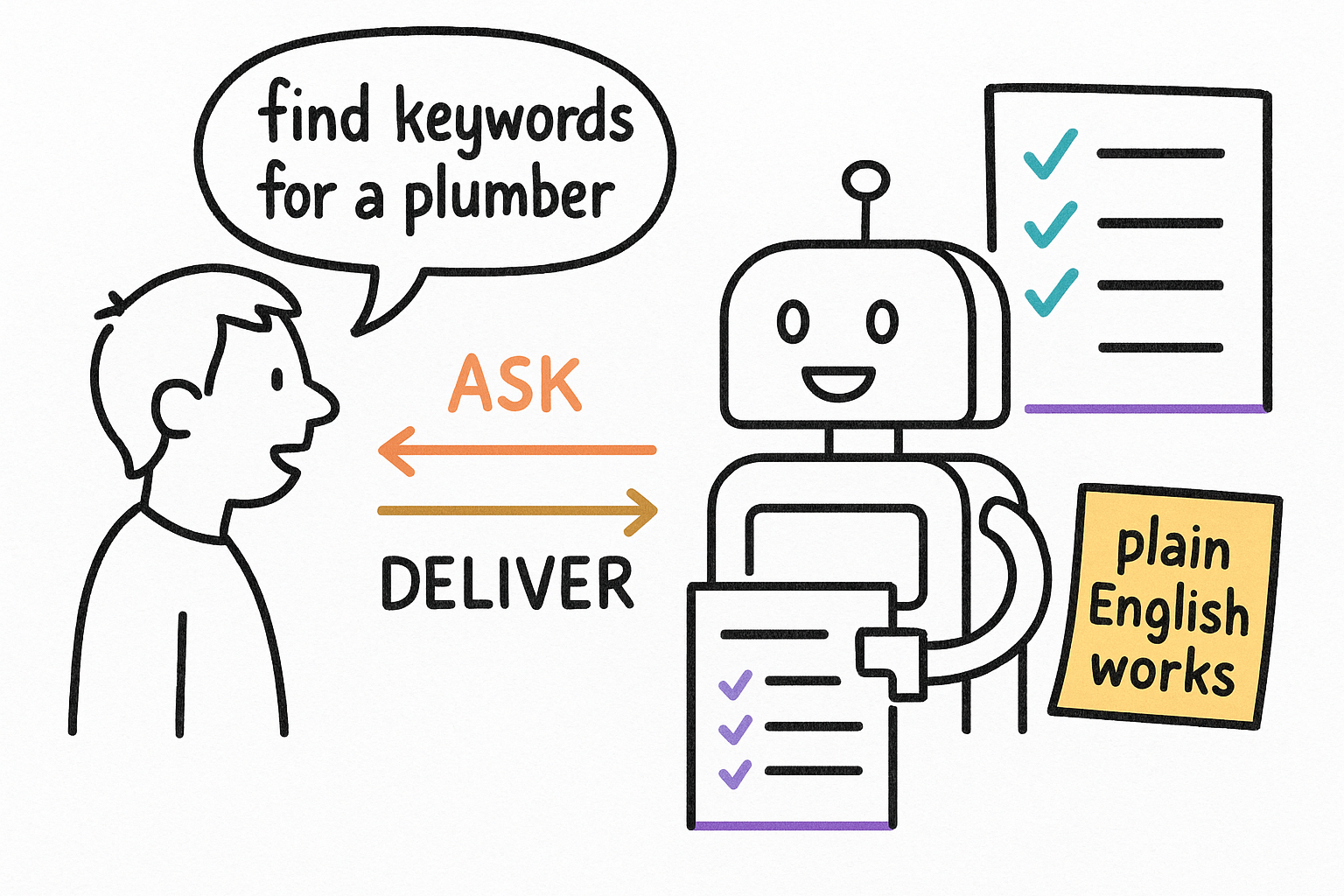
Talk to Claude like a sharp coworker. Say what you want, who the client is, and what done looks like. You do not need magic words. If Claude needs something it will ask. Here are real examples to start from. Copy one, change the details, press enter.
- Give it the goal + the client + the location. Specifics beat vague asks.
- Ask it to explain anything you do not understand. It will, patiently.
- Long task? Let it run. You can watch it work step by step.
Do keyword research for a plumber in Sarasota FL. I want money keywords, search volumes, and a short list of blog topics from People Also Ask questions.Run an SEO audit on https://example.com and explain the top 5 problems in plain English, ranked by impact.Give me 5 blog post ideas about water heater repair based on what people actually search for. Include a suggested title and the question each post answers.A few rules keep everything smooth
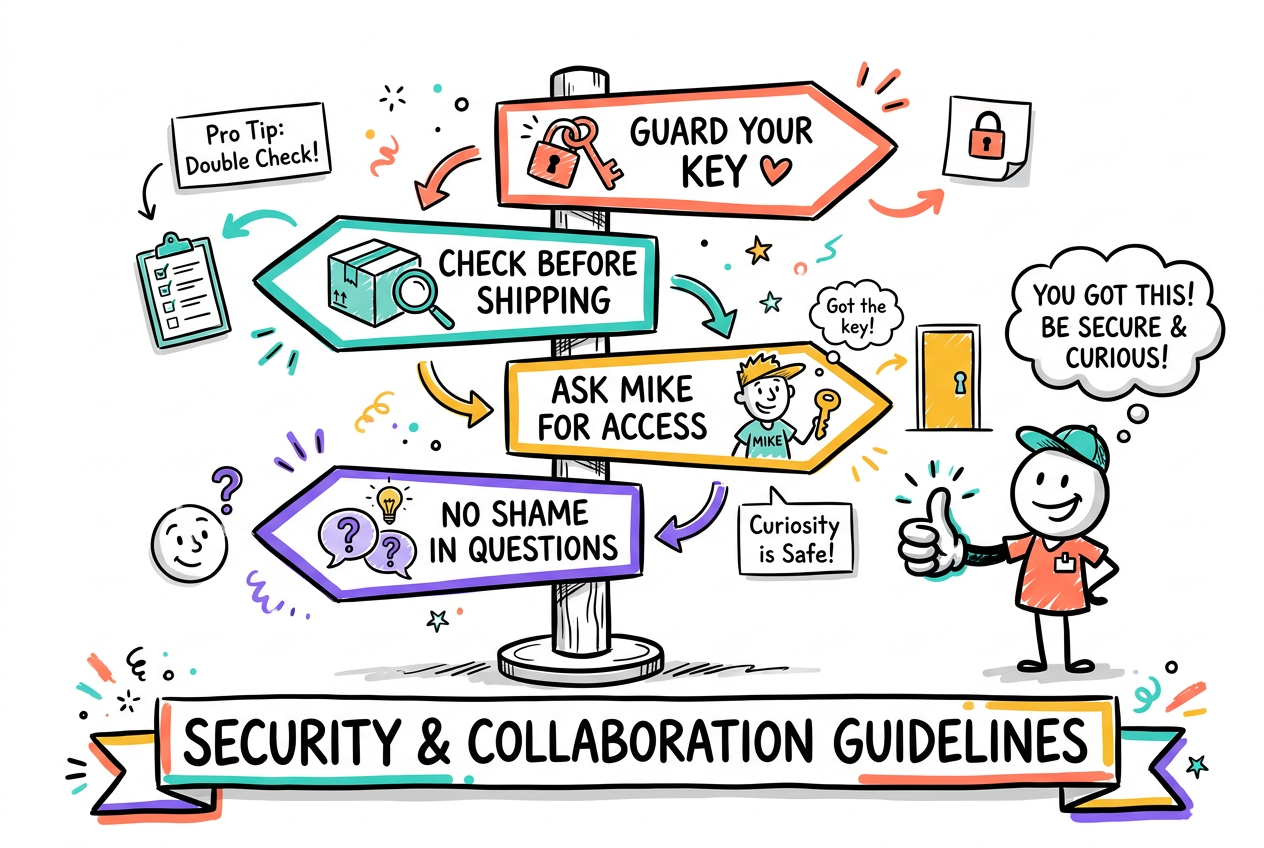
These are baked into your Claude already, so it will follow them on its own. You just need to know they exist so nothing surprises you. When something needs access you do not have, the answer is always the same: ask Mike.
- Never share your key file. It is yours alone.
- Client deliverables get checked before they ship. Claude knows the format.
- Deleting things, client logins, billing, deploys: stop and ask Mike.
- Stuck or weird error? Copy the message and send it to Mike. No shame in it.